The reason you're exhausted all the time

The reason you're exhausted all the time:
It's not your workload.
It's your open loops.
The post you never finished.
The book you still haven't written.
The decision you keep dodging.
You know the feeling…
You wake up tired — before the first meeting, before the first email.
You sit down at 9:40 at night to finally work on YOUR thing.
Nothing comes.
So you close the laptop. Frustrated.
Then you lie there running a list in your head that you never wrote down.
That's the overwhelm.
That's the low hum of anxiety that follows you from the office to the pillow.
And you blame the job. The hours. The calendar.
NOPE.
Every time you try to build something new & real, that background noise slows you down.
And drains your battery…
And it gets heavier.
'Cause every week you open a new loop and close none.
So here's an exercise I think everyone should do once a month:
Close your open loops.
An open loop is anything half-built sitting in your head — unresolved, unfinished, running in the back of your mind whether you're looking at it or not.
You didn't get exhausted from the meetings today.
You got tired from the ideas you never finished.
For you, that's usually:
❌ The LinkedIn post sitting in drafts since Tuesday.
❌ The framework you've explained out loud a hundred times and never written down.
❌ The comment you typed to correct some loud amateur, then deleted, because someone you know might see it.
❌ The book everyone thinks you're "working on."
❌ The brand world you sketched once on a Sunday and haven't touched since.
Four or five unfinished things, running non-stop, all day.
That's like twenty-seven tabs open on a laptop with not enough gigs of RAM.
Each one keeps tugging on you.
Reminding you it's still there. Still incomplete.
Close one loop.
And watch your energy return.
But closing them isn't even the hard part…
The hard part is knowing which one to close FIRST.
Today I'm handing that part to AI.
Here's what you walk away with:
- The three decisions that close any loop
- 4 steps to get AI to dig every open loop out of your head
- Two paste-ready prompts that pick your next one for you
- What to do with the loop that keeps coming back
Why open loops?
Open loops are a storytelling / copywriting move. I learned the concept from one of the masters, Andre Chaperon.
Start a story. Get you hooked, then don't finish it.
Leave them hanging, on purpose.
The reader can't leave.
It's a psychological trick that's nearly irresistible...
I ran it on you a minute ago — when I promised you two prompts and made you wait...
And see, you're still here — open loops work mentally.
And here's the key...
Your mind runs that same trick on YOU.
All day with your own open loops — promises you told yourself, tasks you started, etc. that you never finished, never put out, never got closure on...
These open loops live in your mind rent free.
And they cost you more than you'd believe —
(I'm going to show you in a bit)
Here's the easy way to look at it:
A loop in an email earns your attention.
A loop in your head spends it.

The 3 decisions to close any loop
A to-do list doesn't close a loop. A decision does.
You've probably been treating this like a productivity problem.
I usually do too...
But it's not a productivity problem.
It's an attention problem.
And the only thing that frees up attention is a decision.
There are three:
✔ Ship it.
✔ Kill it.
✔ Hand it off.
Spoiler Alert: Most of your list gets killed.
(Or at least it should)
Good.
Half of it was never yours to finish anyway.
I've learned to cut a loop loose. Delete it. Get it off my plate completely.
Many times that's more satisfying than pushing through to the end.
And this is where AI can really shine to help you make these decisions...
One problem though…
Sit down to list your open loops and you'll name a few — the obvious ones.
But the rest are buried under the day job. They're hidden in your backstories.
AI can't know what's half-built in your head. It was never in there.
But it can ask until all of it comes out...
How to get AI to find your next loop (4 steps)
Before you start: do this in a Cowork session inside a Project — the one linked to your AI Mind folder.
NOTE: If any of this sounds foreign, check out this essay on building your AI Ghostwriter.
You're about to make a file you'll open again next month.
A file with nowhere to live gets rebuilt from scratch.
Step 1 — Dump it out loud
Set a timer. Twenty minutes.
Install Wispr Flow — an app that types what you say.
Hold the key and name every half-finished thing living in your head.
Don't sort it. Don't make it sound good.
'Cause when you type, you edit — and the loop you're embarrassed about is the one draining you.
Step 2 — Flip the chair
Raw AI wants to start fixing your life the second you stop talking.
Don't let it. Paste this:
Don't write anything yet. Don't summarize, don't prepare, don't start.

Above is me talking through everything half-finished in my head. Treat it as raw material.

You interview me. Ask about my open loops one question at a time.

For each loop get four things:
1. What it is, in one sentence
2. How long it's been open
3. Whose it is — mine, my employer's or somebody else's
4. The smallest piece of it I could finish in under an hour

Ask clarifying questions and follow up on every single loose thread I leave hanging. Then ask what I left out. Never invent a loop, a date or a feeling for me.
Keep answering out loud.
👆🏾 Question 3 is the one that stings. Count how many of your loops belong to somebody else.
Step 3 — Get your Loop List
Build my Loop List from this interview. Use only what I said.

One row per loop: the loop, how long it's been open, whose it is and a verdict — SHIP, KILL or HAND OFF — with one line on why.

Rules for the verdict:
- KILL anything that was never mine or that I don't actually want. If I hesitate on a KILL, ask me why before you mark it.
- HAND OFF anything another person or my AI could finish without me.
- SHIP only what builds my own name, my own framework or my own body of work.

Then pick my ONE next loop: the SHIP row with the smallest piece I can finish this week. Give me the first 15 minutes of work and ask me for a date. Don't pick the date for me.

Save all of it as a file called Loop List with today's date.
Here's what comes back: a simple table.
Every unfinished thing gets its own line.
Next to each one sits a verdict — ship it, kill it or hand it off.
And at the bottom is the ONE to finish first, with the first 15 minutes of work spelled out.
You walked in with twenty-seven tabs open.
You walk out with one thing to do.
Now look at the "how long it's been open" column.
👆🏾 That's the cost I promised to show you. Months — sometimes years — of your attention, spent on things you were never going to finish.
Quick note on "hand it off":
It means somebody else finishes it for you.
That can be a person — an assistant, a coworker, somebody you trust.
Or it can be AI.
Take the framework you've explained out loud a hundred times and never written down.
Don't write it.
Explain it out loud one more time with Wispr Flow running. Then tell AI to turn what you said into a clean one-page write-up.
You talked. AI typed. That loop is closed.
Step 4 — Put a date on the one
Don't just intend it.
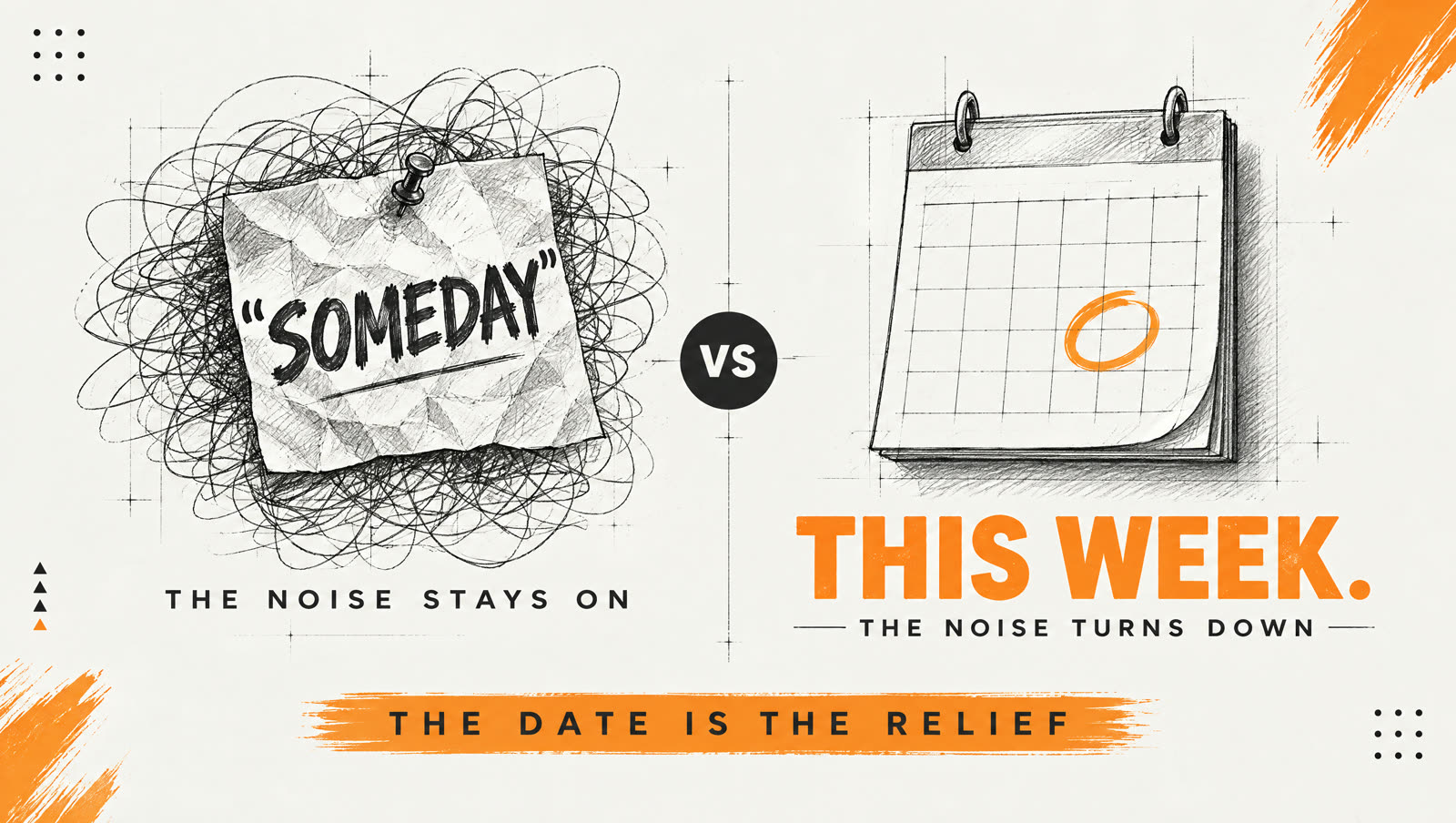
Set your closure for this week. Or this month. Not "someday."
Two researchers — E.J. Masicampo and Roy Baumeister — tested this in 2011. Their paper is called Consider It Done!
People carrying an unfinished goal kept getting pulled off task by it.
People who wrote down a specific plan for it stopped getting pulled.
The goal still wasn't done. The plan alone turned the noise down.
So the date isn't paperwork. The date is the relief.
The loop that keeps coming back
Keep the list.
Next month, paste this:
Open last month's Loop List. Interview me again the same way. Then show me which loops came back, which I killed and which I shipped. Name the one that keeps coming back and ask me why.
A loop that keeps resurfacing means something.
Pay attention to it.
Where you'll outgrow this: a few months in, the list gets short and the same loop keeps showing up.
That means one of two things.
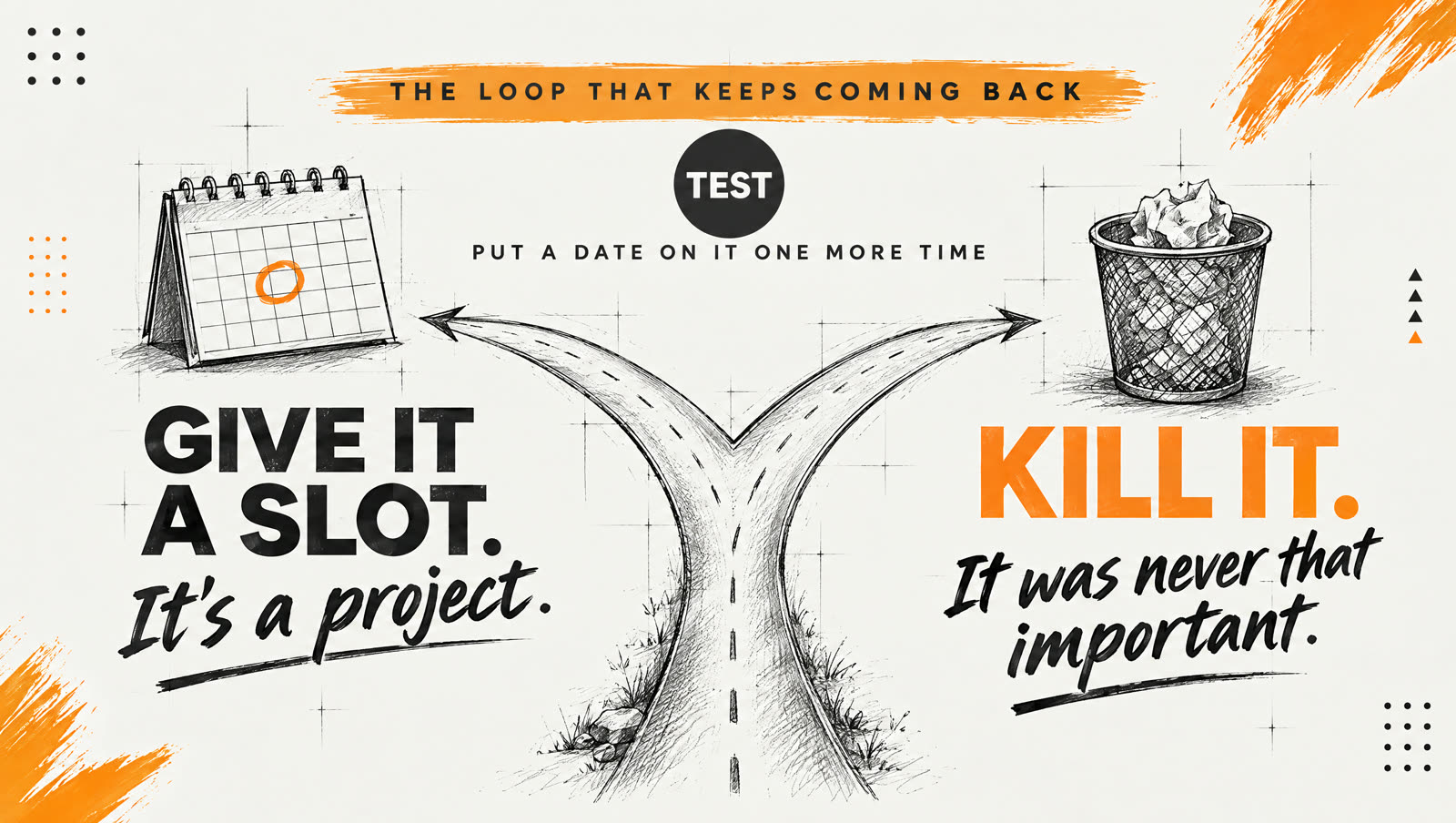
One: it's a piece of the world you're actually trying to build. Not someone else's.
It stopped being a loop. It's a project — and it needs a real slot on your calendar, not twenty minutes.
Two: it's not as important as you think it is in your mind.
Which is why you never finish it. Or even start it.
And it probably belongs in the "Kill it" pile…
How do you tell which one you're holding?
Put a date on it one more time.
If the date passes and you never touched it — there's your answer.
Kill it.
Your assignment
Twenty minutes. One list. One small thing shipped this month.
Then hit reply and send me one line: the loop you're shipping and the date.
Test. Don't guess.
Then go build.
Peace and Love,
J. Young El
P.S. If twenty minutes feels like too much this week, shrink it.
Make it 10 minutes....
For the love of God, just close one loop!
And watch your energy return.